Grand Theft Auto IV is a legendary title in the Rockstar Games catalog. While Rockstar has not released an official mobile port of GTA IV for Android, advancements in mobile emulation and cloud streaming now make it possible to enjoy Liberty City directly on your phone.
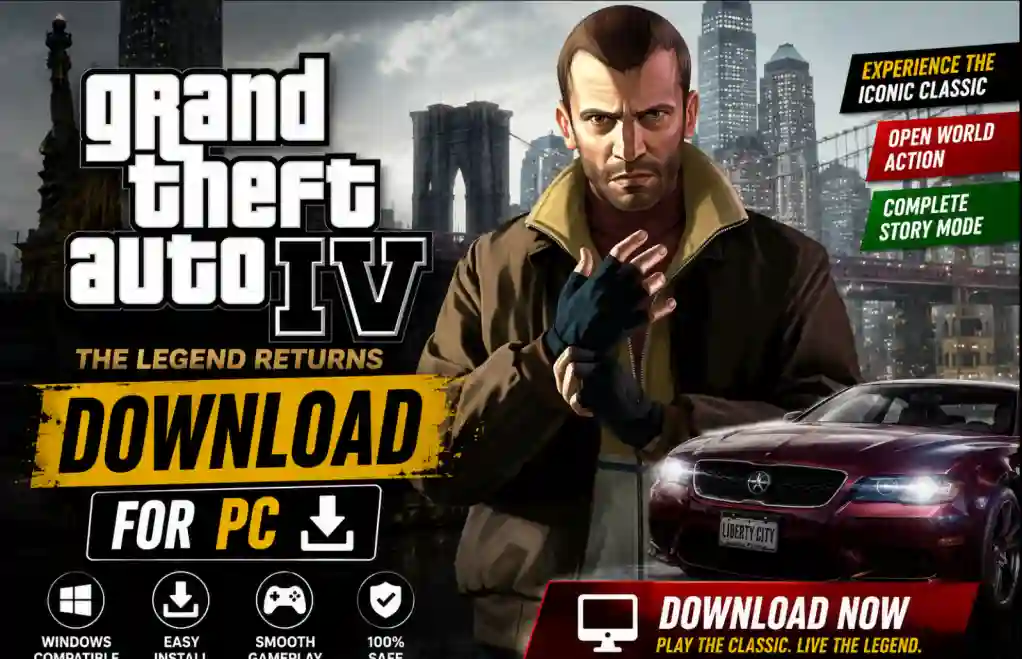
This guide explains how to use modern tools to set up and play the PC version of GTA IV on your Android device.
Understanding Your Options
To play PC games on mobile, you generally have two paths:
- Local Emulation:Running the game files directly on your phone using an emulator (requires a powerful device, e.g., Snapdragon 8 Gen 1 or higher).
- Cloud/Remote Streaming: Playing the game on your PC (or a cloud server) and streaming the visuals to your phone. This works on almost any device with a stable internet connection.
Method 1: PC Emulation (Winlator or GameHub)
If you own a DRM-free copy of GTA IV on PC, you can run the files locally on your Android device using emulation layers like Winlator or GameHub.
Requirements:
- A powerful Android device (Snapdragon chipset recommended).
- A clean, Downloaded GTA IV File from Below link given.
- At least 20GB of free storage space.
Setup Steps:
1. Transfer Files
Connect your phone to your PC via USB. Copy the entire installed Grand Theft Auto IV directory from your PC directly to your device's internal Downloads folder.
2. Install Emulator
Download and install the latest stable APK release for Winlator or GameHub directly from their official GitHub releases page or official portal.
3. Configure Container
- Open the application and create a new Container.
- Set the Screen Size to
1280x720. - Set Graphics Driver to
Turnip (Adreno)and DX Wrapper toDXVK 2.4or higher.
4. Launch the Game
Start the container, open the D: drive (mapped to your internal Downloads), locate GTAIV.exe, and double-tap to launch.
💡 Pro-Tip (Crash Fix)
If the game crashes during startup, perform a two-finger tap (right-click) on GTAIV.exe, select Properties, and append -nomemrestrict -norestrictions inside the arguments field.
Ready to Download?
Ensure you have at least 100MB of free space on your Android device before starting.
 Google Drive
 MediaFire
 Mega
Mega
 Dropbox
Disclaimer: Ensure you own a legal copy of the game before running it on mobile. Emulation is for educational and personal backup purposes only.